Remote Cloud Updates
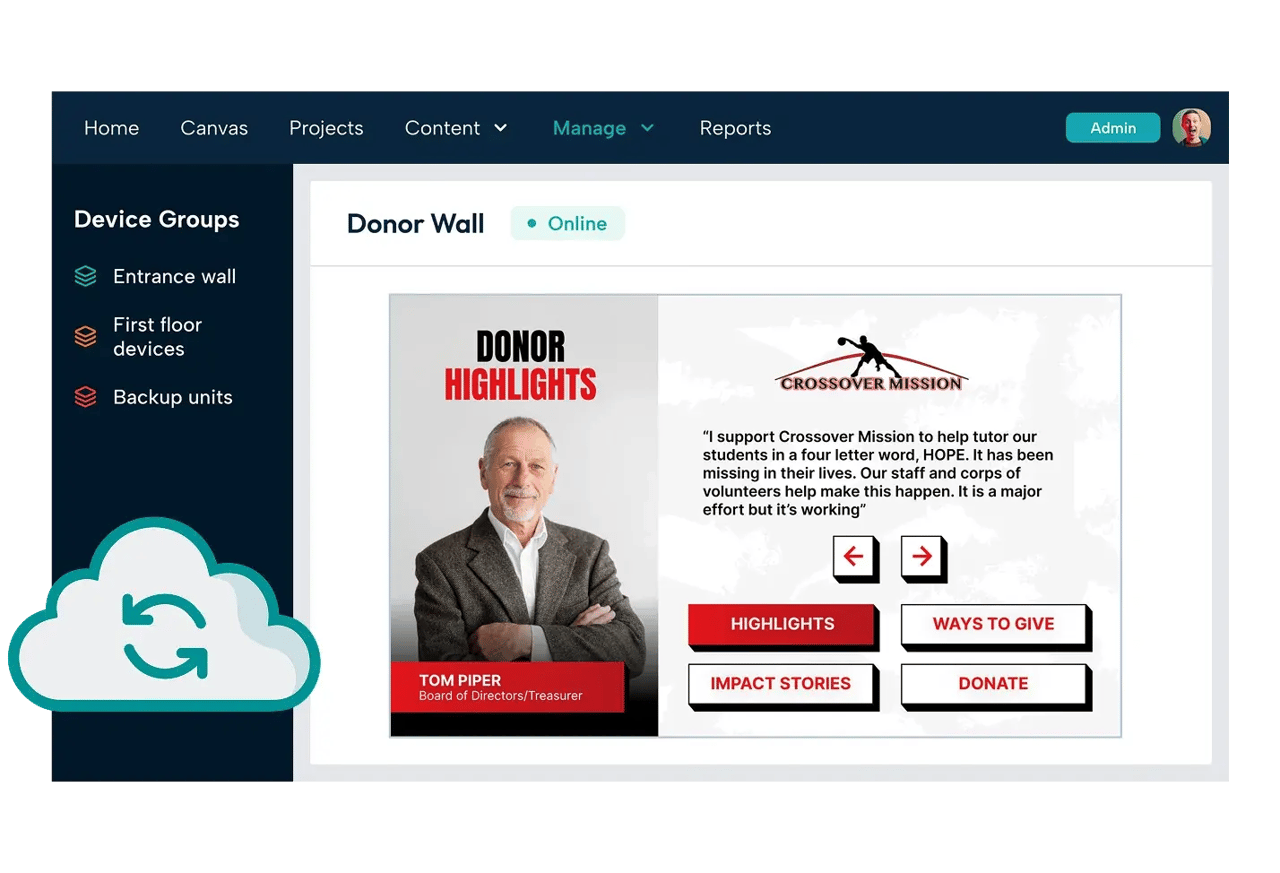
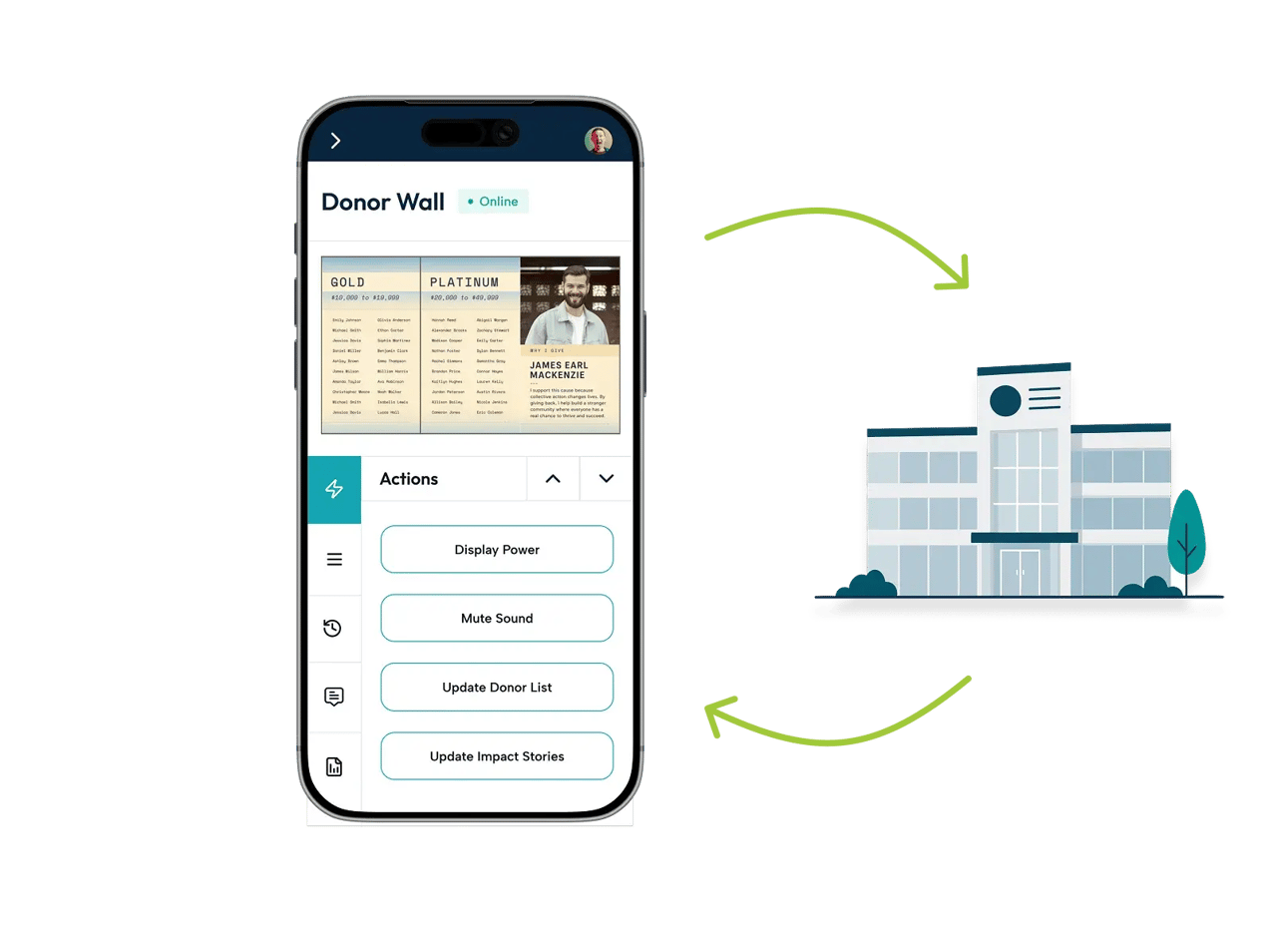
Our cloud-based dashboard stays in sync automatically, so what's on screen always matches what you built.
Quick-Change Supporter List
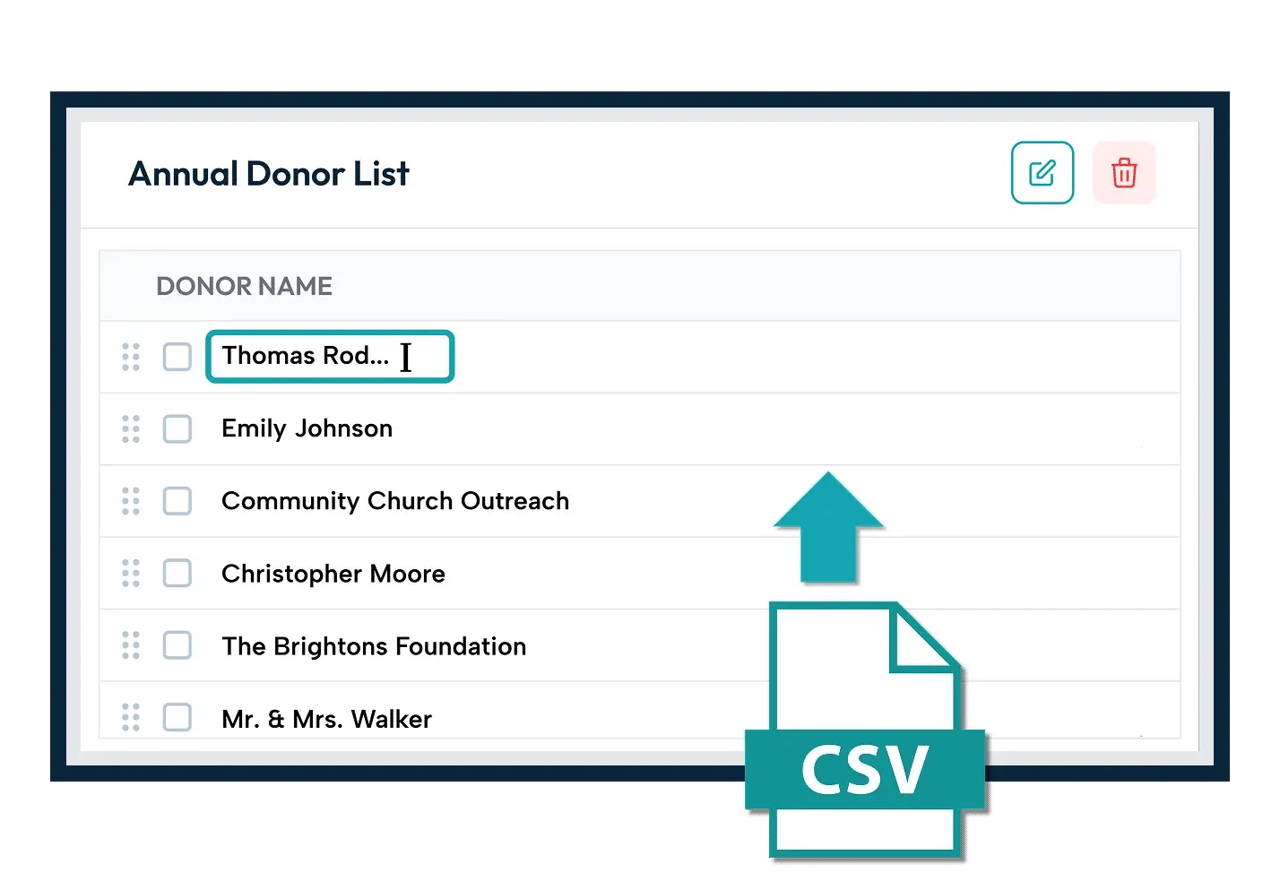
Upload your donor list from a file, or change names one at a time in a matter of seconds.
Smart Line Breaks
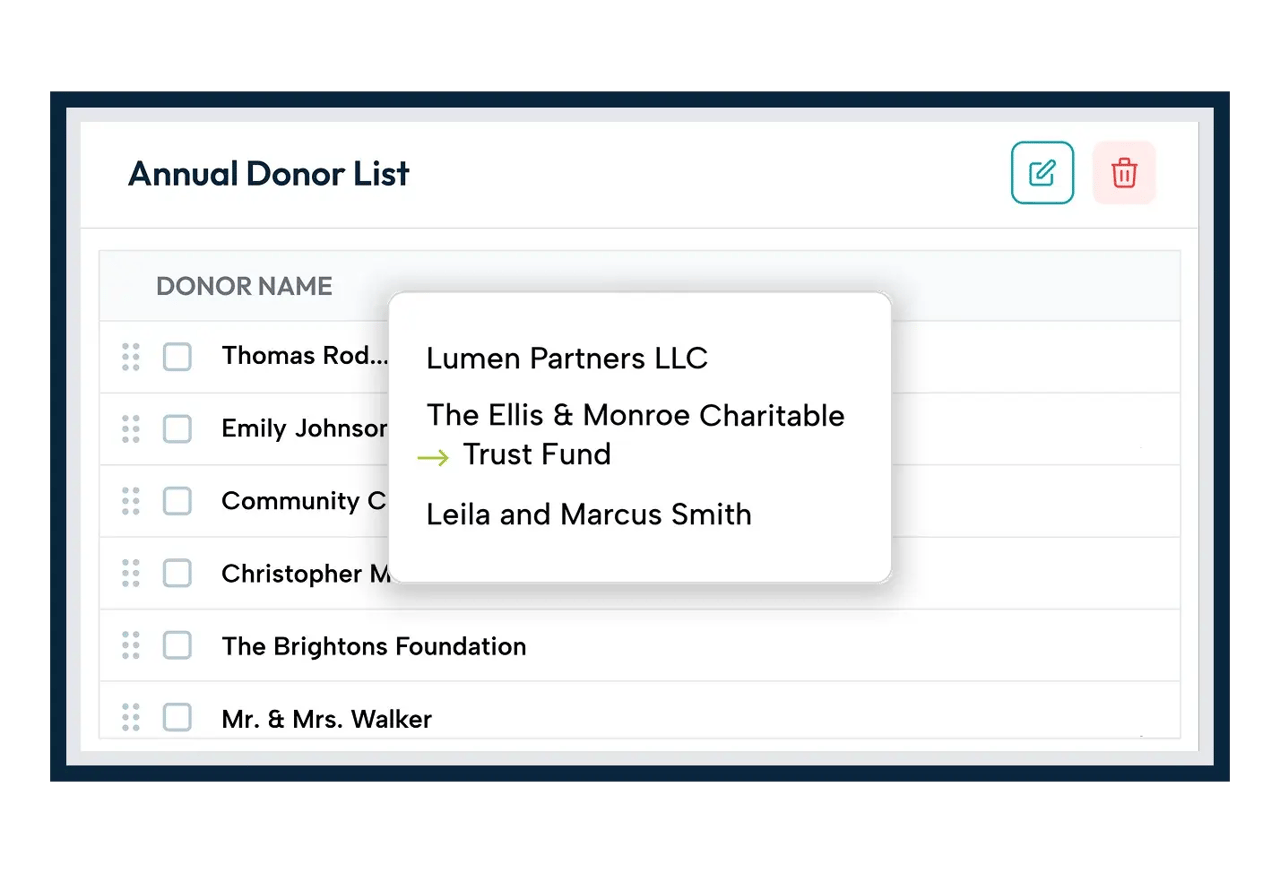
Long names will go to the next line at appropriate places instead of naturally overflowing.
Perfect Naming
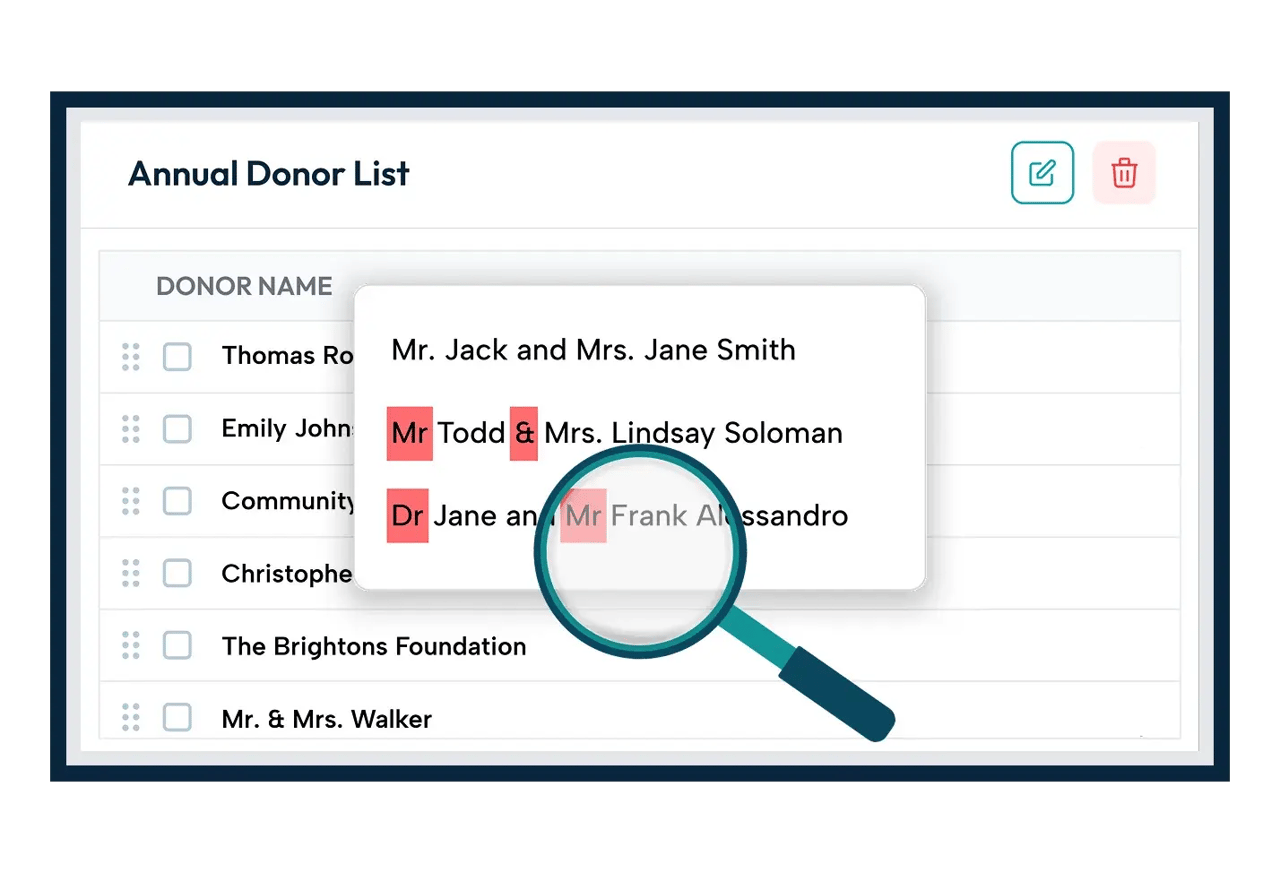
Automatically clean up inconsistencies like “Mr and Mrs” to “Mr. and Mrs.”, or “&” instead of “and”, and more.
Access From Anywhere
Manage your system, check status and send actions from anywhere in the world.
Donor Tiers
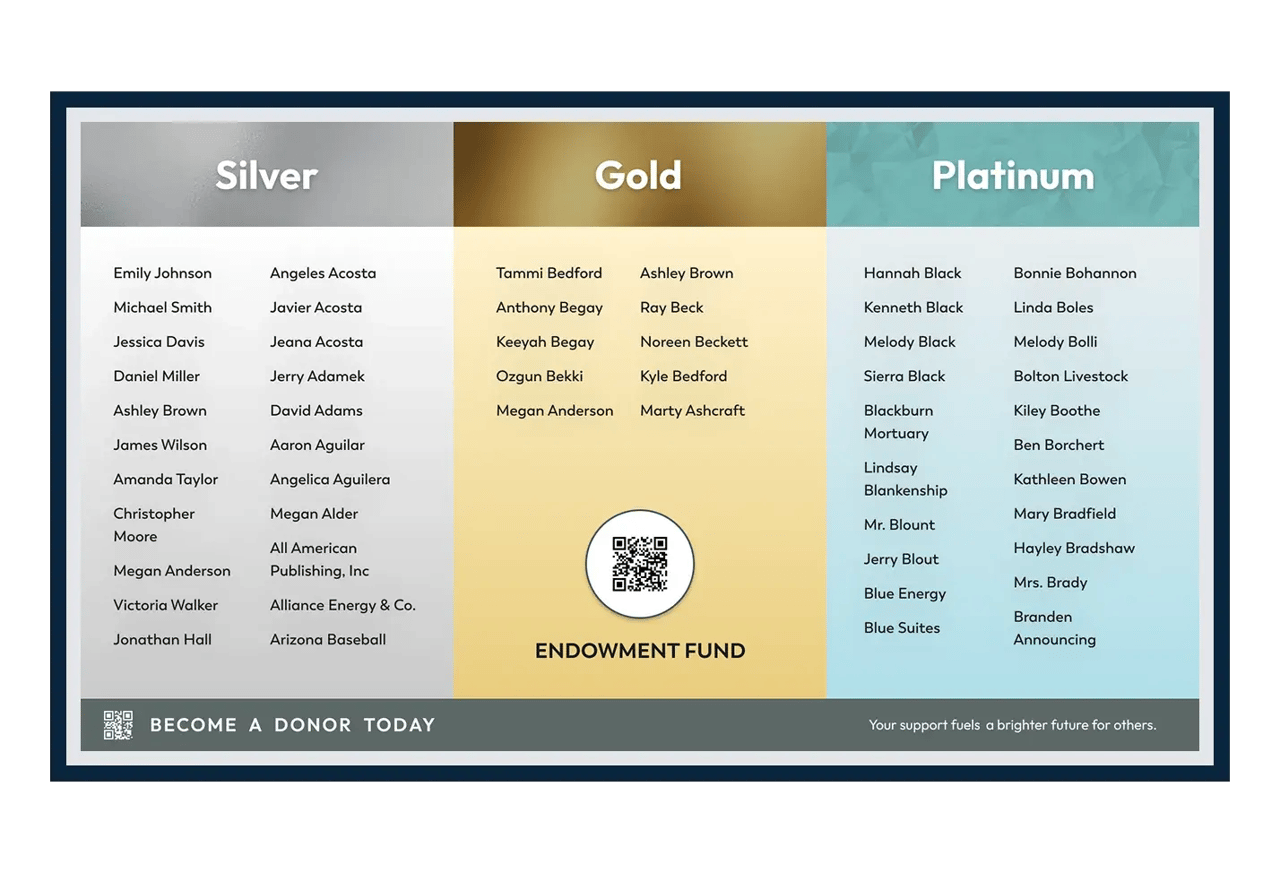
Organize and display donor tiers by giving tier, campaign or any other category. Adjust the design to your liking and let the platform handle the rest.
Multiple Campaigns
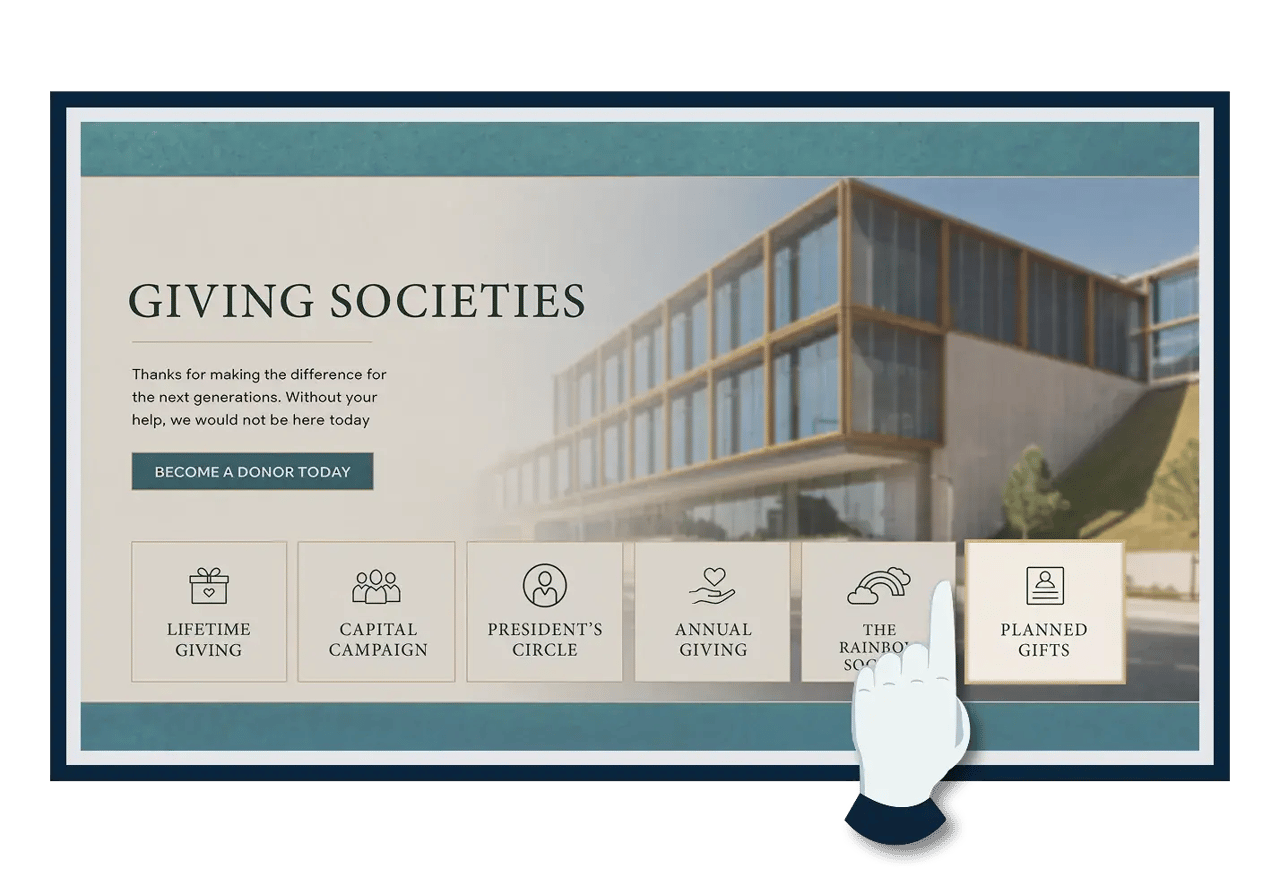
Celebrate supporters from a single campaign, all campaigns, lifetime giving, or anything in between.
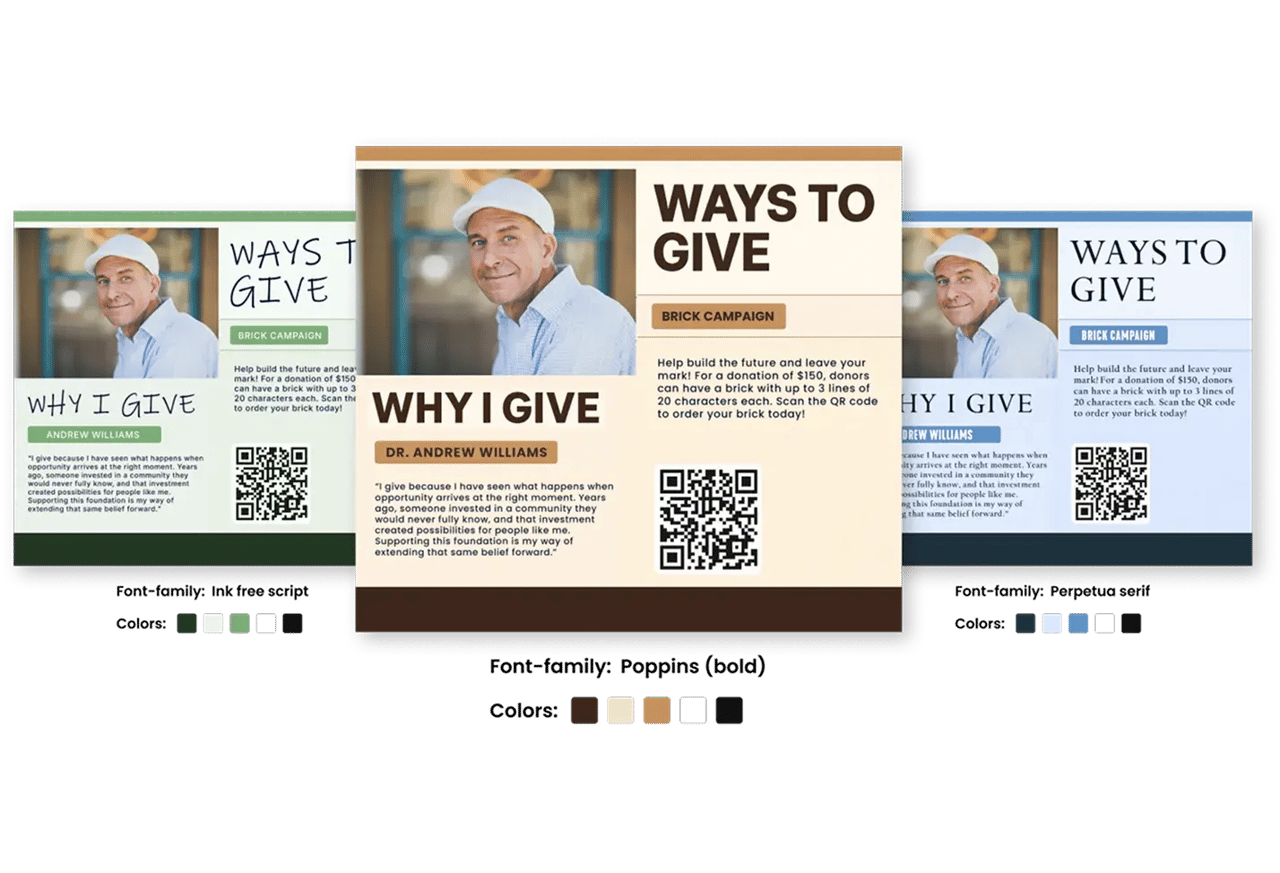
Editable Brand Styles
Use any font and any color to match your brand’s aesthetic exactly.
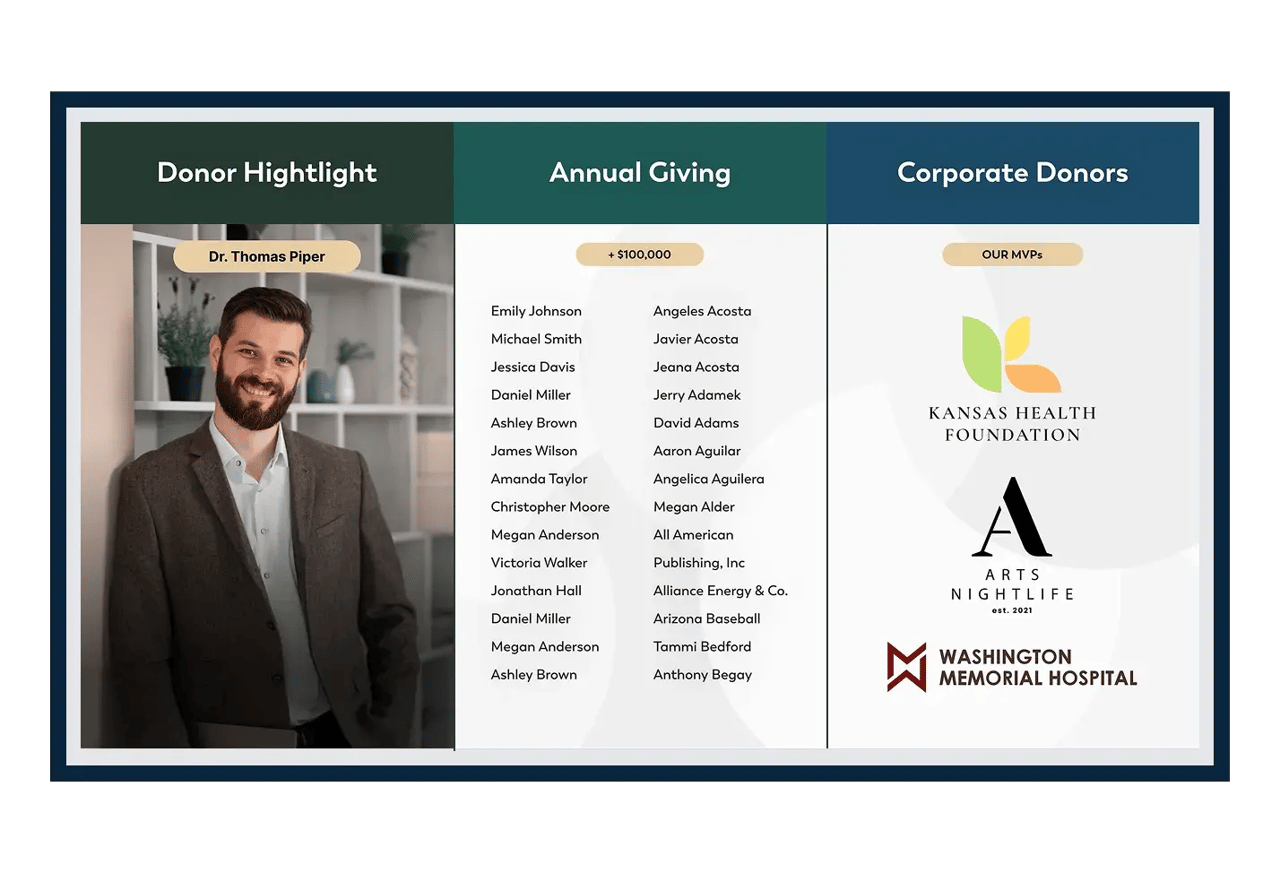
Text or Image Supporter Lists
Display a list of names or an array of images instead. Whatever sparks joy for your supporters.
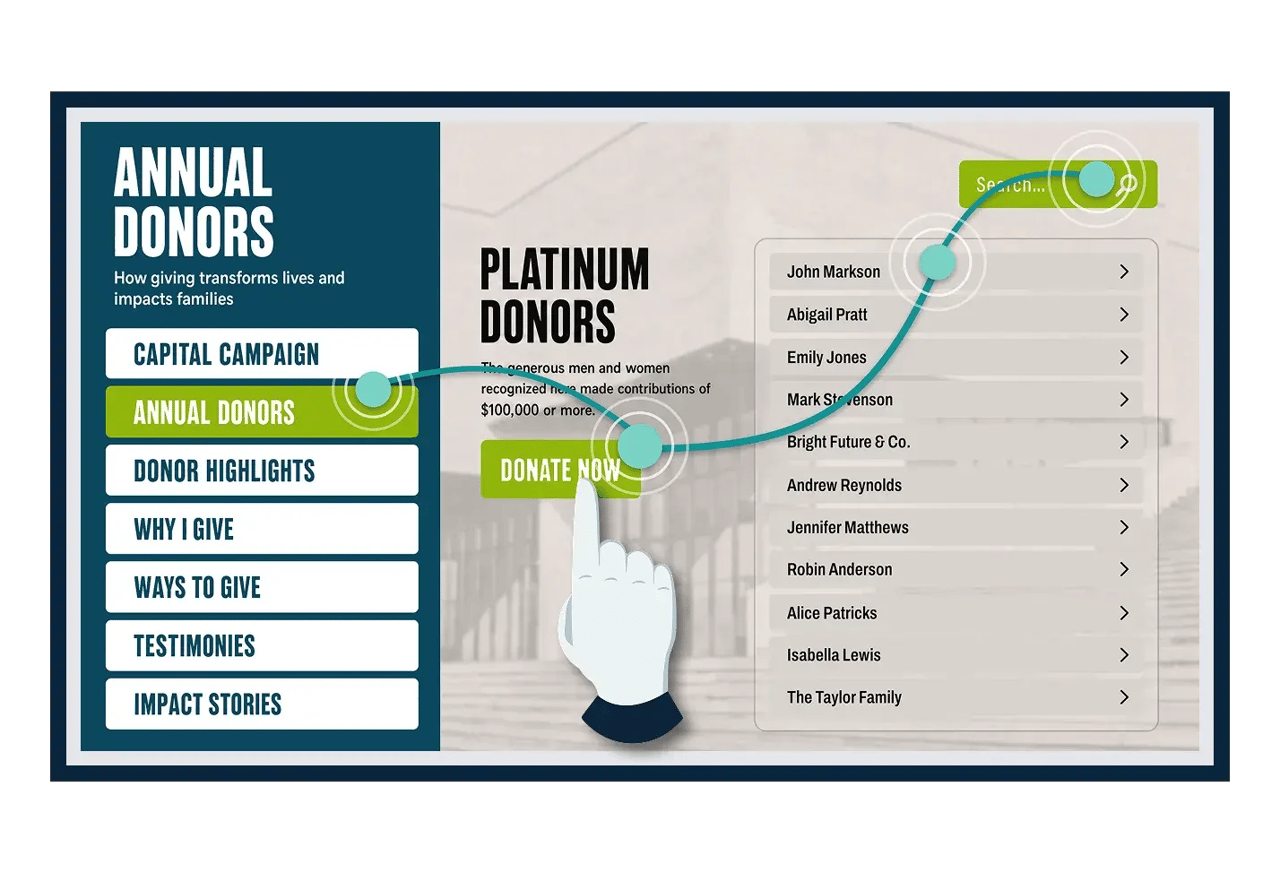
Interactive Objects
Anything can be clickable, and go to any other page. Be limitless.
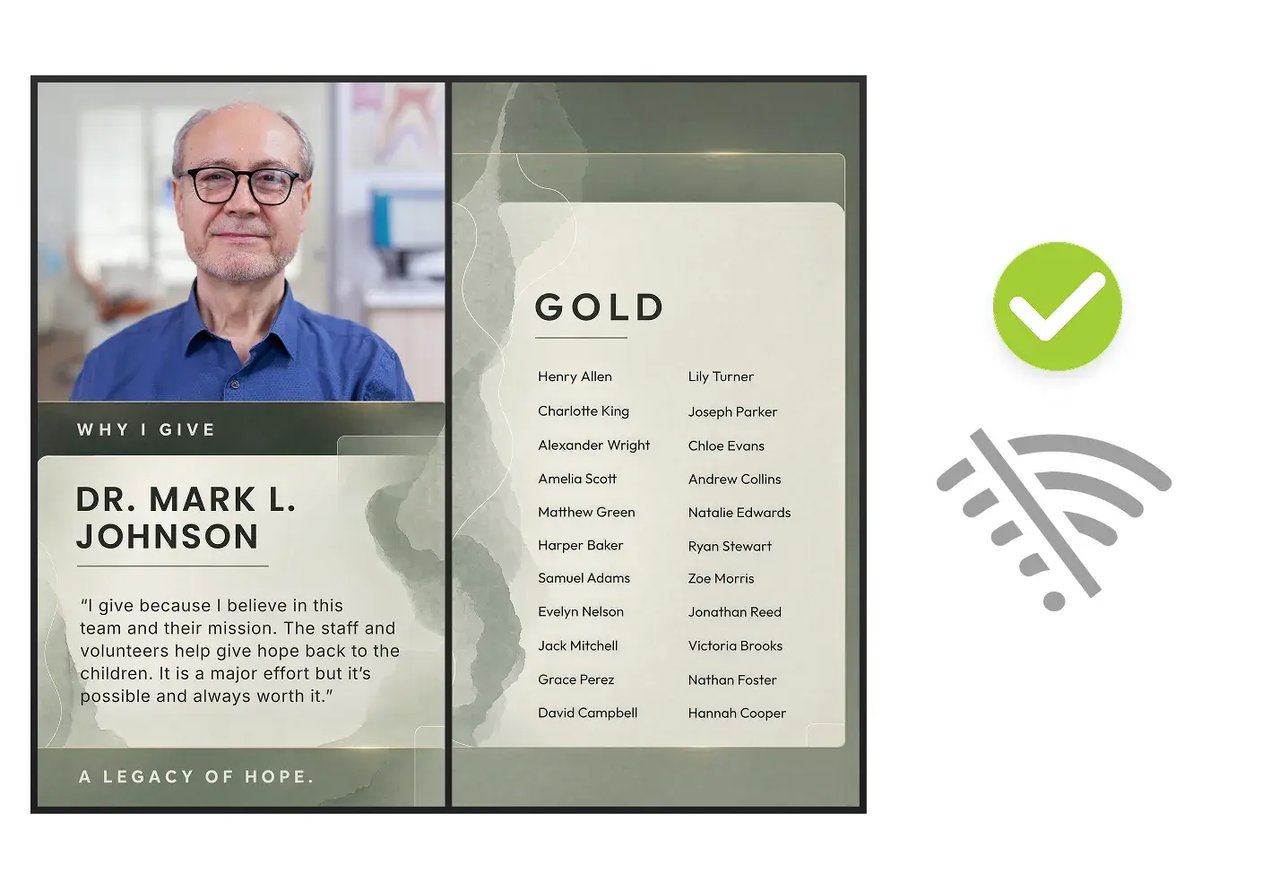
Offline Capable System
Don’t worry about your screen going black if there’s no internet. The digital recognition systems are designed to run without internet.
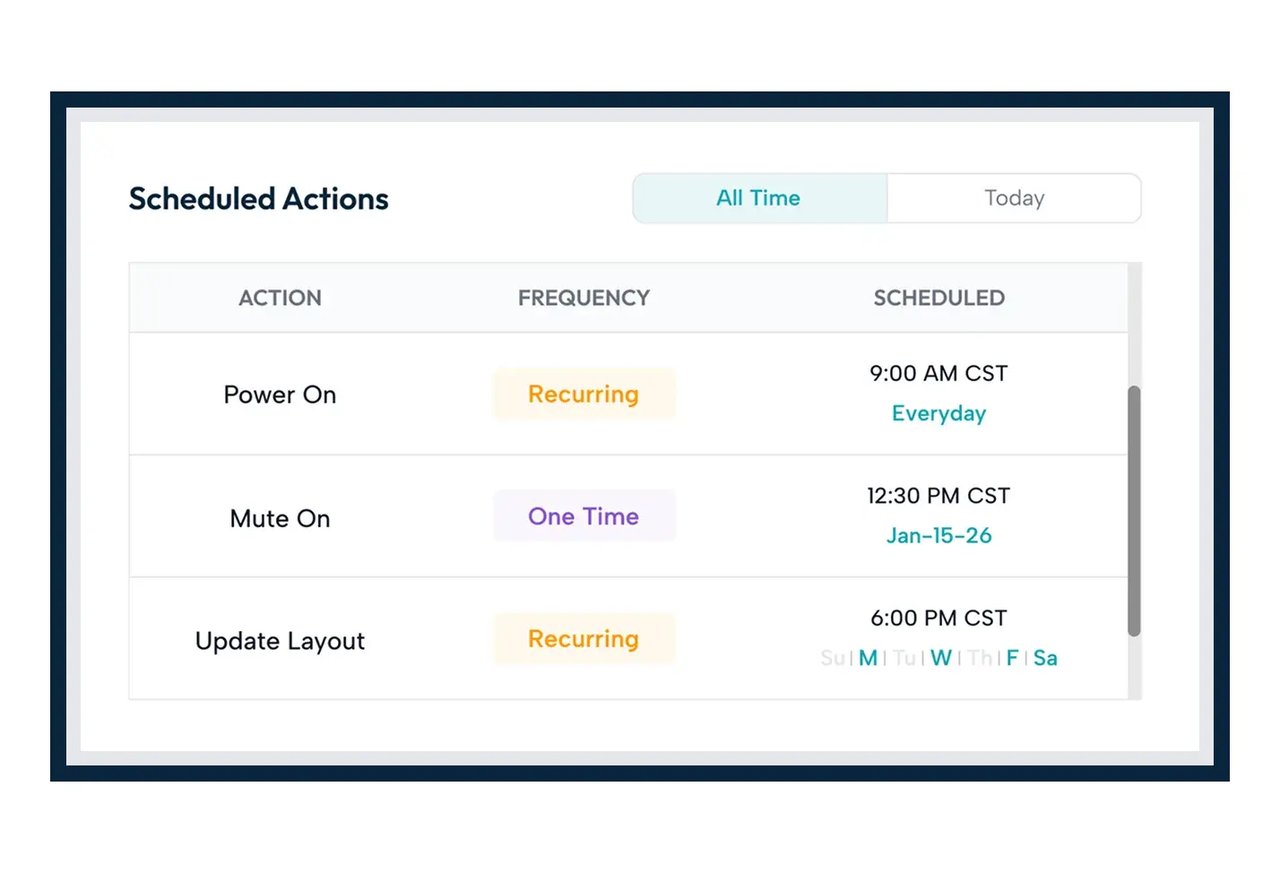
Scheduled Actions
Keep hands-off by setting up repeating or one-off actions like donor list updates, Why I Give Story changes, and more.
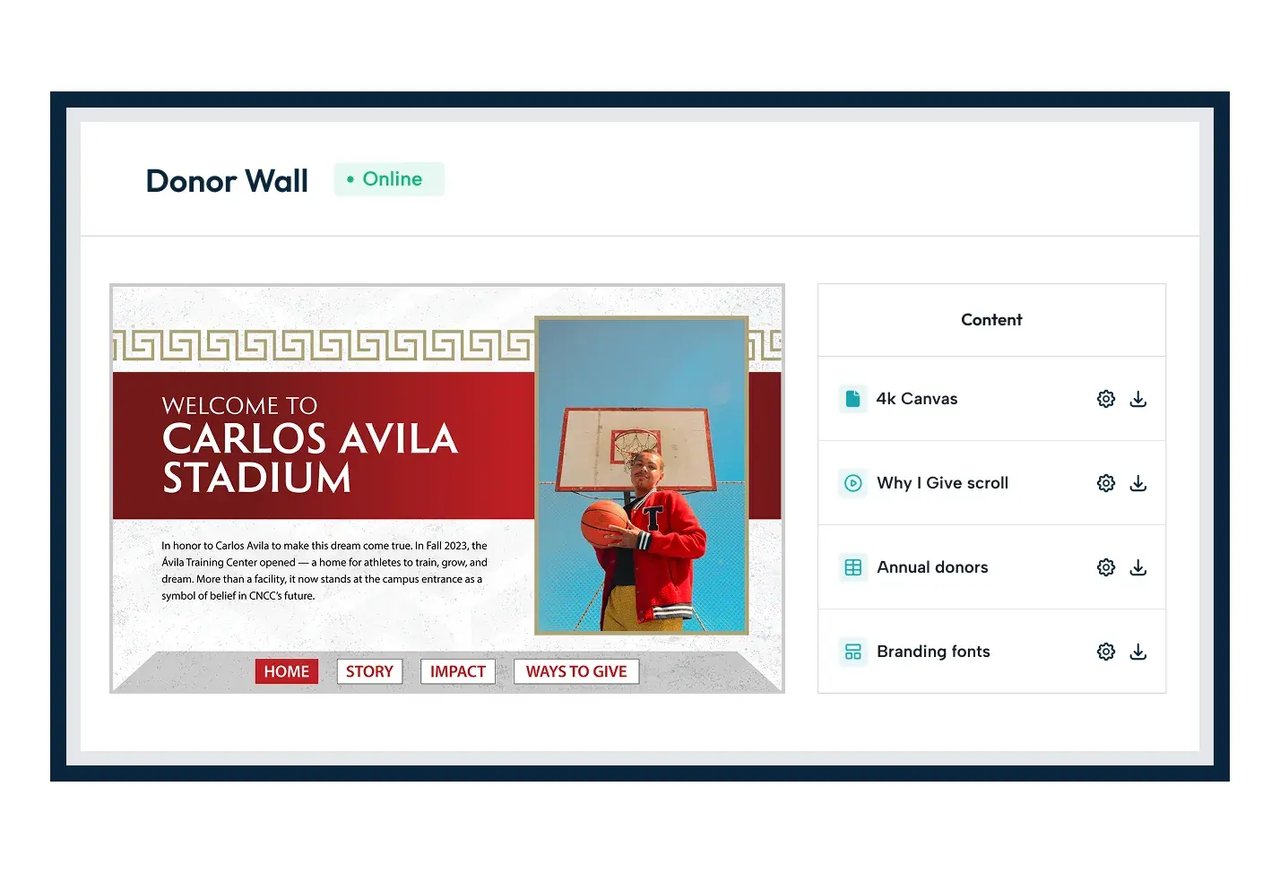
Quick-View Management
Using a central launchpad in the cloud-based Dashboard, go straight to your playlists and supporter lists.

DonorPerfect Integration
OmniAlly links to your DonorPerfect account and keeps your supporter list up to date automatically.

Raiser’s Edge NXT Integration
OmniAlly links to your Raiser’s Edge NXT account and pulls from NXT Lists to keep your supporter list up to date.

Salesforce Integration
OmniAlly connects to your Salesforce org and pulls from the list view you choose to keep your supporter list up to date.
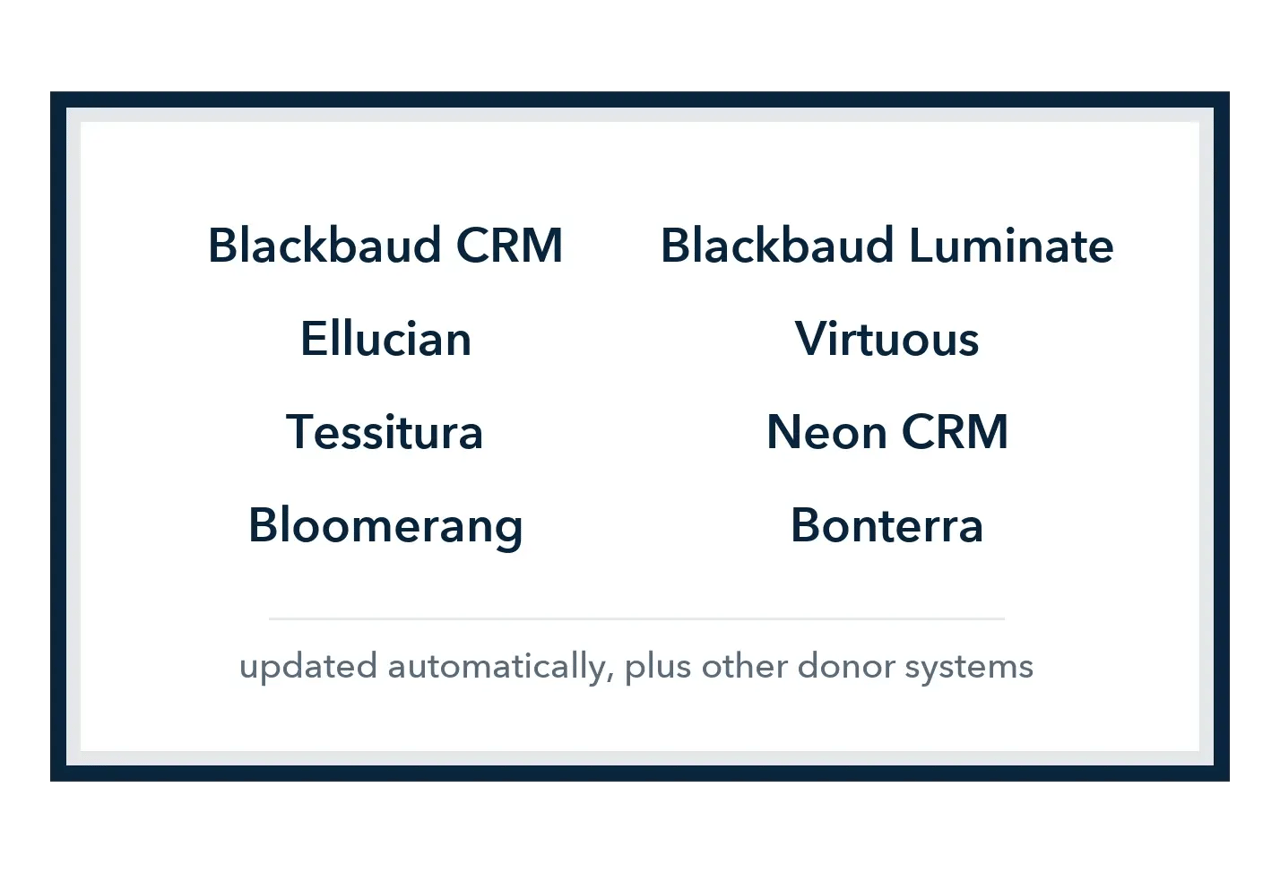
Every Major Donor Database
OmniAlly updates your supporter list automatically from Blackbaud CRM, Ellucian, Tessitura, Bloomerang, Blackbaud Luminate, Virtuous, Neon CRM, and Bonterra, and from any other donor system that can send out a donor list on a schedule.

What OmniAlly's Donor Wall Software Does
OmniAlly's donor wall software is the cloud platform behind every OmniAlly recognition product: the single-screen digital donor board, the multi-screen digital donor wall, digital donor plaques for named rooms, the donor experience center, and every piece of outdoor donor recognition. It uses digital signage hardware, the screens and a media player, but it is donor wall software built for a recognition program rather than a general signage platform: donor tiers, campaigns, scheduled stories, offline playback, and a connection to your donor database.
One donor list runs every display an organization owns. A name entered once in the cloud dashboard appears on the board in the lobby, the wall in the atrium, and the plaque outside the named room the same day, and a donor who moves up a giving level moves everywhere at once. The list updates automatically from Salesforce, Raiser's Edge NXT, DonorPerfect, Blackbaud CRM, Ellucian, Tessitura, Bloomerang, Blackbaud Luminate, Virtuous, Neon CRM, Bonterra, and other donor management systems, so your team never keeps a separate list for the wall.
What your team does in the dashboard
- Add a name, a photo, or a Why I Give story in seconds, from any web browser, anywhere.
- Set donor tiers by giving level, society, campaign, or lifetime giving, and let the platform sort the names.
- Run one campaign, every campaign, or lifetime giving on the same wall.
- Schedule repeating or one-off actions: donor list updates, story changes, event content set days ahead.
- Keep your fonts and colors, so the wall matches the brand exactly.
- Hand updates to OmniAlly's White Glove Experience or the Content Creation Service Contract when your team would rather not.
What the software does on its own
- Syncs the supporter list from your donor database on a schedule.
- Cleans up naming inconsistencies, such as "Mr and Mrs" to "Mr. and Mrs." and "&" to "and".
- Breaks long names at the right place instead of letting them overflow.
- Keeps the wall running without internet, and resyncs when the connection returns.
- Keeps what is on screen in sync with what you built in the dashboard.
- Runs on an annual software license per media player computer, typically one per wall, priced on the pricing page.
Donor Wall Software FAQs
Donor wall software is the platform that runs a digital donor wall: the dashboard where donor names, giving levels, campaigns, stories, photos, and video are managed, and the player software that keeps the screens showing it. OmniAlly's donor wall software is cloud based, runs every OmniAlly recognition product from one donor list, and updates automatically from the organization's donor database.
No. It uses digital signage hardware, the screens and a media player, but it is built for a recognition program: donor tiers, multiple campaigns, scheduled donor stories, offline playback, name formatting, and a connection to your donor database. A general digital signage platform plays announcements. OmniAlly's software runs donor recognition.
OmniAlly updates your supporter list automatically from Salesforce, Raiser's Edge NXT, DonorPerfect, Blackbaud CRM, Ellucian, Tessitura, Bloomerang, Blackbaud Luminate, Virtuous, Neon CRM, Bonterra, and other donor management systems. You set up the list in your donor system, OmniAlly connects to it, you tell OmniAlly which lists to use, and the wall stays in sync from then on. The integrations page explains the setup for each system.
Yes. The recognition system is designed to run without internet, so the screen does not go black when the connection drops. Content keeps playing from the media player, and the wall resyncs with the cloud dashboard when the connection returns.
Your team updates names, stories, photos, and video from OmniAlly's cloud dashboard in any web browser, and a change made in the dashboard appears on the wall automatically. A single name takes seconds, and a whole donor list can be uploaded from a file or synced from your donor database. If your team would rather not manage updates, OmniAlly's White Glove Experience handles them for you.
Yes. One donor list and one dashboard run every display an organization owns, whether that is a board at the branch, a wall at the main campus, plaques at named rooms, or an outdoor display. A donor entered once appears on all of them, and each display can show its own campaigns and content.
Donor tiers sort every name into the giving levels you set, such as a founders circle, a leadership society, and annual giving, by giving level, campaign, or any other category you choose. A donor who moves up a level changes tier on the wall automatically, and each campaign keeps its own panel on the same wall.
Yes. Scheduled actions let your team set repeating or one-off actions ahead of time: donor list updates, Why I Give story changes, and content for a campaign kickoff, a gala, or a dedication, so the wall turns to the occasion without anyone touching it that morning.
Yes. Editable brand styles let you use any font and any color to match your brand exactly, and the on-screen design is drawn for your organization. Supporter lists can be shown as names or as a gallery of images, and any object on screen can be made clickable on an interactive display.
The software runs on an annual software license per media player computer, typically one per donor wall, priced on OmniAlly's pricing page along with the starting prices for each recognition product. Adding names costs nothing, and optional services such as the White Glove Experience and the Content Creation Service Contract are priced on the same page.
Yes. Perfect Naming cleans up inconsistencies such as "Mr and Mrs" to "Mr. and Mrs." and "&" to "and", and Smart Line Breaks send long names to the next line at the right place instead of letting them overflow, so a list exported from your donor database reads correctly on the wall.
Yes. The White Glove Experience has OmniAlly's team handle every update on the screen, with no dashboard login for your staff. The Content Creation Service Contract adds graphic design hours for images and video when you do not have an in-house designer to keep content fresh. Both are priced on the pricing page.